PMDG 777-300ER Startup Checklist
PMDG 777-300ER Startup Notes
The 777 is the most automated start in the PMDG stable. Once you have battery and APU power, the real work happens before the engines turn: switch the ADIRU on early because alignment takes several minutes, set the fuel pumps, and build the FMC route while you wait. The start itself is nearly hands-off. Rotate the START selector, move the fuel control switch to RUN, and the autostart system sequences ignition, meters fuel, watches EGT, and will abort and retry a bad start by itself.
The classic mistake is treating the 777 like older Boeings. You do not need to juggle packs and bleeds before a start; the airplane configures its own air system, so leave it alone. Pilots also flip the fuel control switch to RUN before rotating the START selector, which skips the motoring phase autostart expects. And many forget the ADIRU until the end of the flow, then sit at the gate waiting for alignment. Turn it on first, right after power is established.
Common mistakes
- Leaving the ADIRU off until late, then waiting out alignment
- Setting fuel control to RUN before rotating the START selector
- Manually juggling packs and bleeds the airplane configures itself
Related Aircraft
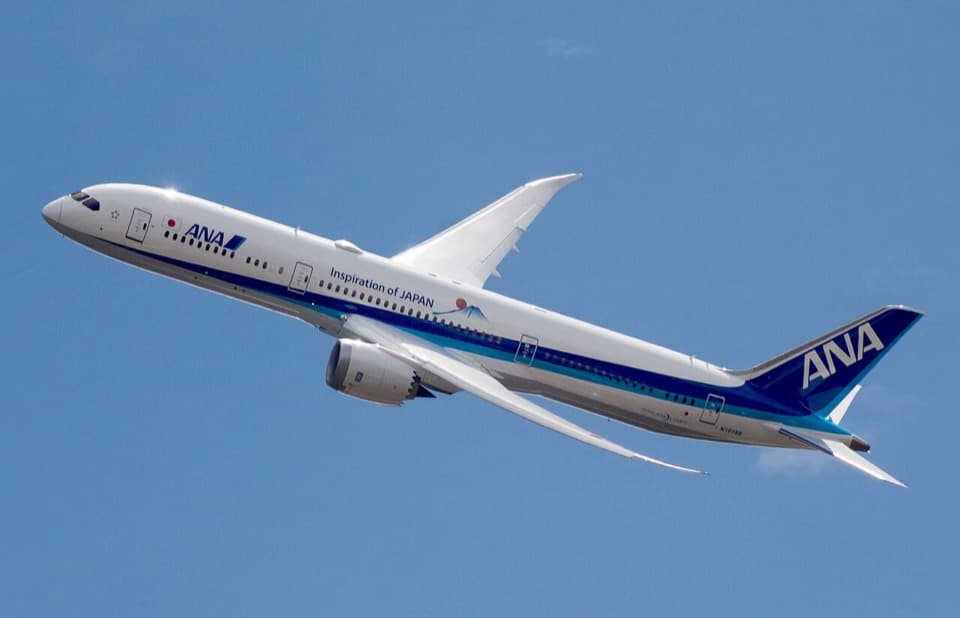
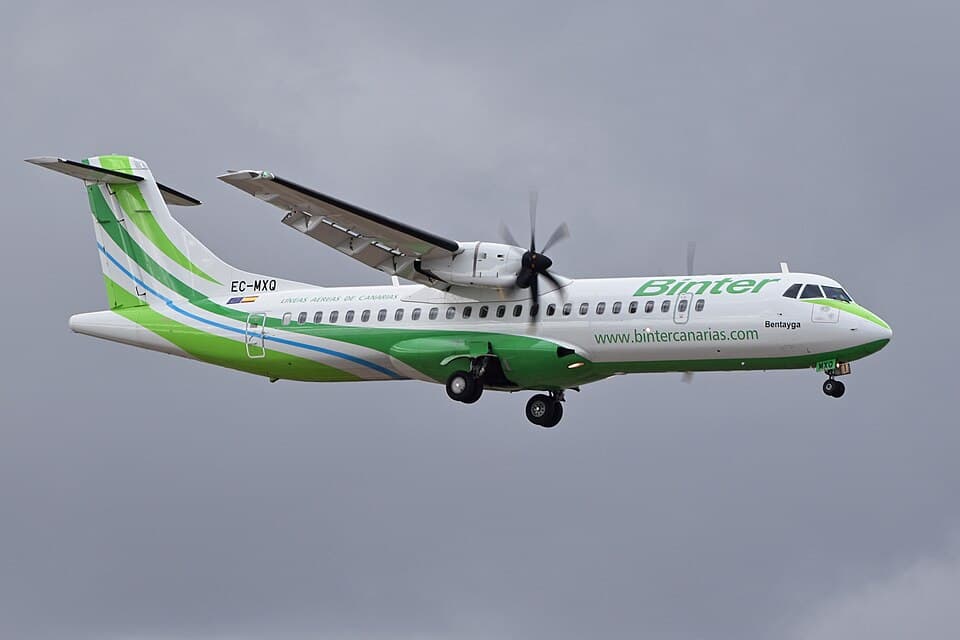
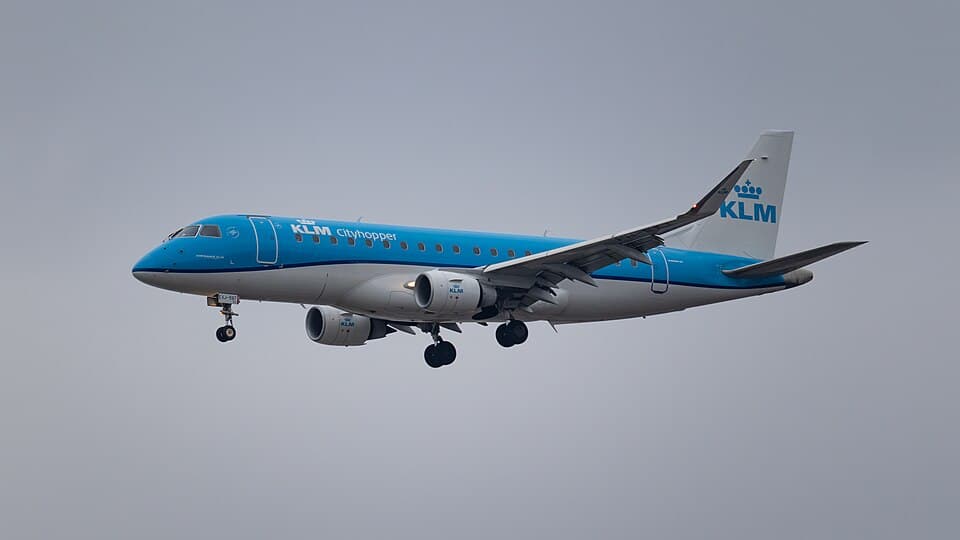
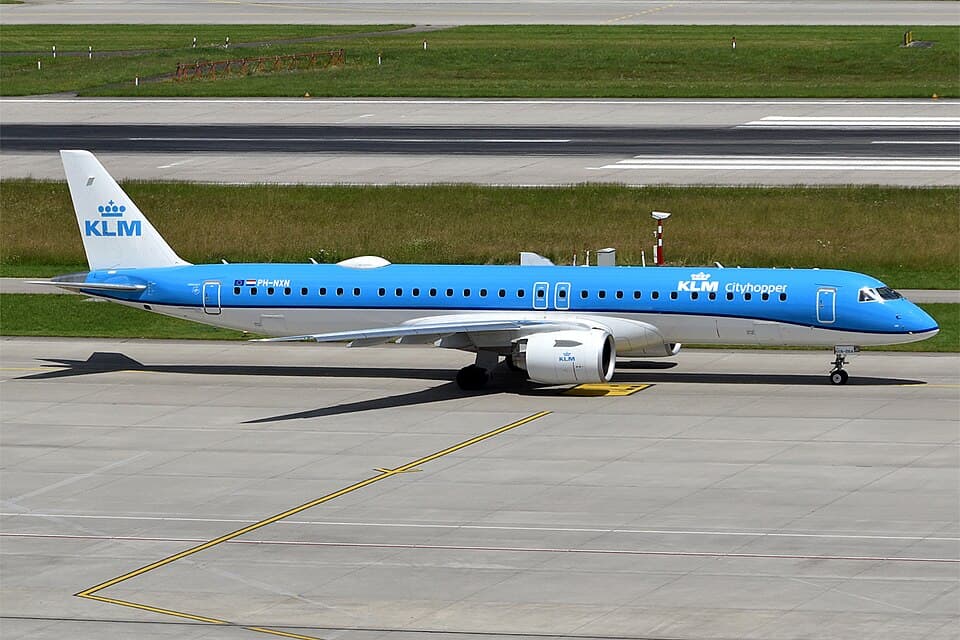
| 01 | Weather Briefing (METAR / TAF / Sigmet)REVIEWEDNOTE: Check departure, enroute, destination, and alternate weather. Note winds aloft, SIGMET areas, and icing levels. | |
| 02 | NOTAMsREVIEWEDNOTE: Check for runway closures, navigation aid outages, and airspace restrictions at origin and destination. | |
| 03 | OFP / SimBrief Flight PlanLOADEDNOTE: Generate and review Operational Flight Plan - route, fuel, winds aloft, step climbs, alternates. | |
| 04 | Fuel PlanningVERIFIEDNOTE: Block fuel: taxi + trip + contingency (5%) + alternate + final reserve (30 min) + extra. 777-300ER burns ~17,300 lb/hr at cruise. | |
| 05 | Weight and Balance / LoadsheetWITHIN LIMITSCAUTION: Verify ZFW, TOW, and LW within limits. Check CG% MAC is within envelope. MTOW is 351,534 kg. | |
| 06 | SID / STAR / Approach ReviewBRIEFEDNOTE: Review SID, expected routing, alternate STARs, and instrument approaches at destination. | |
| 07 | MEL / CDL ItemsCHECKEDNOTE: Review any Minimum Equipment List or Configuration Deviation List items affecting dispatch. | |
| 08 | Performance - Takeoff SpeedsCALCULATEDNOTE: V1, VR, V2, assumed temperature (if derated), flap setting, and trim from Boeing ACARS or performance charts. |
| 01 | Battery SwitchONNOTE: Overhead electrical panel - raises guard and turns on battery. | |
| 02 | Standby Power SwitchAUTO | |
| 03 | External Power (GPU)CONNECT if availableNOTE: Confirm GPU AVAIL light, then press to connect. Saves APU fuel during preflight. | |
| 04 | Bus Tie Switches (L and R)AUTO | |
| 05 | APU SwitchSTART (hold to ON)NOTE: Hold switch to START until it springs back to ON. Wait for APU RUNNING on EICAS and AVAIL light. | |
| 06 | APU Generator Bus Switches (L and R)ONNOTE: Wait for EICAS APU messages to clear. | |
| 07 | External PowerDISCONNECTNOTE: Remove GPU once APU generators are supplying power. |
| 01 | IRS Left SwitchNAVCAUTION: Do not move the aircraft during IRS alignment. Full alignment takes approximately 10 minutes. | |
| 02 | IRS Right SwitchNAV | |
| 03 | IRS Centre SwitchNAV | |
| 04 | IRS AlignmentMONITOR - wait for ALIGN lights to extinguishNOTE: All three ALIGN lights must extinguish before IRS is usable. Position is set via FMC POS INIT. |
| 01 | Hydraulic Demand Pumps (L, C, R)AUTO | |
| 02 | Hydraulic Engine Pumps (1, 2)NORMAL | |
| 03 | Fuel Pumps - Main Tanks (L FWD, L AFT, R FWD, R AFT)ON | |
| 04 | Fuel Pumps - Centre Tank (L, R)ON (if fuel loaded in centre tank)CAUTION: Centre tank pumps should only run when centre tank has fuel above minimum. | |
| 05 | Fuel Cross-Feed ValveCLOSED | |
| 06 | Window Heat Switches (All Four)ON | |
| 07 | Probe Heat (All)OFF (until after engine start) | |
| 08 | Navigation LightsON | |
| 09 | Logo LightAS REQUIRED | |
| 10 | Seatbelt / No Smoking SignsON / AUTO | |
| 11 | Air Conditioning Packs (L and R)AUTO | |
| 12 | Trim AirON | |
| 13 | Recirculation Fans (L and R)AUTO | |
| 14 | Pressurisation ModeAUTO | |
| 15 | Isolation ValveAUTO | |
| 16 | Engine Bleed (1 and 2)ON | |
| 17 | APU BleedONNOTE: Turn APU bleed ON now to supply air conditioning and pneumatics during preflight. | |
| 18 | EICAS Primary DisplayVERIFY - No warningsNOTE: Check for any EICAS cautions or advisories. Clear any non-essential messages. | |
| 19 | Displays (PFD, ND, MFD, EICAS)ON and SET | |
| 20 | EFIS Control Panels (Capt and F/O)SET as required | |
| 21 | Altimeters (Both)SET local QNH | |
| 22 | Standby InstrumentsCHECK - attitude, airspeed, altimeter | |
| 23 | Weather RadarSTBY (do not radiate on ground near personnel)CAUTION: Do not operate weather radar toward ground crew. | |
| 24 | TCAS / Transponder ModeSTBY |
| 01 | FMC - POS INIT PageVERIFY position via GPS or enter coordinatesNOTE: Enter gate position coordinates or accept GPS position. IRS alignment uses this reference. | |
| 02 | FMC - ROUTE PageENTER origin, destination, and flight numberNOTE: Enter ICAO codes for departure and arrival airports and load SimBrief route. | |
| 03 | FMC - Route ActivationACTIVATE and EXECUTENOTE: Press ACTIVATE then EXECUTE to confirm route entry. | |
| 04 | FMC - DEPARTURES PageSELECT runway and SIDNOTE: Select active runway and assigned SID. EXEC to confirm. | |
| 05 | FMC - Waypoints / AirwaysENTER and VERIFYNOTE: Enter airways and waypoints per flight plan. Cross-check with OFP. | |
| 06 | FMC - PERF INIT PageENTER performance dataNOTE: Enter ZFW in thousands (e.g. 245.0), fuel reserves, cost index, and cruise altitude (e.g. FL380). | |
| 07 | FMC - N1 LIMIT PageSET derate or assumed temperatureNOTE: Select TOGA or DERATE 1/2 thrust rating. Enter assumed temperature if flex takeoff. | |
| 08 | FMC - TAKEOFF REF PageENTER flap setting, CG%, and VERIFY V-speedsNOTE: Enter flap setting (5, 15, or 20) and CG%. FMC computes V1, VR, V2. Note stabiliser trim value. | |
| 09 | FMC - ARRIVALS PageSELECT STAR, transition, and approachNOTE: Pre-select arrival procedure. Can be updated during flight. | |
| 10 | FMC - Route VerifyCROSS-CHECK against OFP | |
| 11 | MCP - Flight Directors (Both)ON | |
| 12 | MCP - Autothrottle ArmARM | |
| 13 | MCP - Altitude WindowSET initial cleared altitude | |
| 14 | MCP - Heading WindowSET runway heading | |
| 15 | MCP - Speed WindowSET V2 + 10 |
| 01 | Parking BrakeSET | |
| 02 | Beacon LightONNOTE: Signals ground crew that engines will start. Confirm ground crew is clear. | |
| 03 | Fuel Control Switches (1 and 2)VERIFY CUTOFF | |
| 04 | Pushback / ClearanceOBTAINEDNOTE: Request pushback and start clearance from ground control. Confirm push direction. | |
| 05 | Engine Start Switch SelectorGND | |
| 06 | DoorsCLOSED and LOCKEDCAUTION: Verify all passenger and cargo doors are closed before pushback. | |
| 07 | BrakesVERIFY SET before pushback |
| 01 | Engine 2 Start SwitchGND (rotate and hold)NOTE: Right engine started first. Hold GND position - N2 will begin to rise. | |
| 02 | Engine 2 - N2 RisingMONITOR - wait for N2 approx 20%NOTE: Watch EICAS for N2 percentage rising. No ignition yet. | |
| 03 | Engine 2 Fuel Control SwitchRUN (at approx 20% N2)CAUTION: Advance fuel control to RUN only after ~20% N2. Earlier risks a hung or hot start. | |
| 04 | Engine 2 - EGT RiseMONITOR EGT - must not exceed 750 CWARNING: Hot start if EGT exceeds 750 C or rises rapidly without stabilising. Abort: fuel control to CUTOFF immediately. | |
| 05 | Engine 2 - Idle ParametersVERIFY N1 ~20-22%, N2 ~58-62%, oil pressure green | |
| 06 | Engine 1 Start SwitchGND (rotate and hold)NOTE: Begin left engine start once right engine is stable. | |
| 07 | Engine 1 - N2 RisingMONITOR - wait for N2 approx 20% | |
| 08 | Engine 1 Fuel Control SwitchRUN (at approx 20% N2)CAUTION: Watch EGT - same hot start risk applies. | |
| 09 | Engine 1 - Idle ParametersVERIFY N1 ~20-22%, N2 ~58-62%, oil pressure greenWARNING: Shut down immediately if no oil pressure within 60 seconds of fuel introduction. | |
| 10 | Engine Start SelectorOFF (after both engines stable) | |
| 11 | APU BleedOFFNOTE: Turn off APU bleed once engine bleeds are supplying air. | |
| 12 | APUOFFNOTE: Shut down APU after engine generators are on-line. |
| 01 | Engine Generators (1 and 2)VERIFY ON - GEN OFF BUS lights out | |
| 02 | Probe Heat (All)ON | |
| 03 | Engine Anti-IceAS REQUIREDNOTE: ON if OAT at or below +10 C with visible moisture or ice. Do not use in heavy rain only. | |
| 04 | Wing Anti-IceAS REQUIREDNOTE: ON when icing conditions exist. Do not use on ground unless specifically needed. | |
| 05 | Hydraulic Pressure (All Systems)CHECK green arc | |
| 06 | Flight ControlsCHECK - full travel yoke and rudder, verify surface response | |
| 07 | Stabiliser TrimSET per TAKEOFF REF pageNOTE: Set green band trim value calculated by FMC on TAKEOFF REF page. | |
| 08 | Flap LeverSET TAKEOFF position (5, 15, or 20)NOTE: Verify flap indication matches takeoff configuration. | |
| 09 | AutobrakeRTO | |
| 10 | Speedbrake LeverDOWN / RETRACTED | |
| 11 | Taxi LightON | |
| 12 | Runway Turnoff LightsON | |
| 13 | Parking BrakeRELEASENOTE: Check path is clear, obtain taxi clearance from ground before releasing. | |
| 14 | BrakesCHECK during first movementNOTE: Apply brakes briefly to verify response. | |
| 15 | InstrumentsCHECK during taxi - heading, attitude track turns |
| 01 | Takeoff BriefingCOMPLETEDNOTE: Review SID, initial altitude, engine failure procedure, rejected takeoff criteria. | |
| 02 | FlapsCONFIRM set for takeoff - verify EICAS | |
| 03 | Stabiliser TrimCONFIRM in green band | |
| 04 | MCP - AltitudeCONFIRM initial cleared altitude set | |
| 05 | MCP - Heading / LNAVSET as cleared | |
| 06 | FMC - Active RouteCONFIRM LNAV available | |
| 07 | SpeedbrakeCONFIRM DOWN | |
| 08 | AutobrakeCONFIRM RTO | |
| 09 | Altimeters (Both)CONFIRM QNH set and cross-checked | |
| 10 | TransponderTA/RA - SET squawk code | |
| 11 | Landing LightsON | |
| 12 | Strobe LightsON | |
| 13 | Recall Button (EICAS)PRESS - verify no active messages | |
| 14 | DoorsVERIFY all closed on EICAS synoptic | |
| 15 | Cabin ReadyCONFIRMED from cabin crew |
| 01 | Line Up on RunwayCENTERLINE | |
| 02 | Thrust LeversTOGA or FLEX/DERATE - advance smoothlyNOTE: Press TOGA switches to engage autothrottle for takeoff. Allow engines to spool to target N1. | |
| 03 | Engine ParametersCHECK - both engines matched at target N1CAUTION: Abort if significant N1 split (>10%) or any EICAS warning before 80 kts. | |
| 04 | 80 KnotsCALL - check airspeed alive, both ADIsNOTE: Crosscheck both ASIs agree. Pilot flying calls '80 knots', PM responds 'checked'. | |
| 05 | V1HANDS OFF thrust levers - committed to takeoffWARNING: Do not attempt rejected takeoff at or above V1 unless engine fire / structural failure. | |
| 06 | VRROTATE - pitch 8 degrees initially then 15 degrees nose upNOTE: The 777-300ER is a long aircraft - beware of tail strikes. Smooth rotation is critical. | |
| 07 | Positive Rate of ClimbCALL and VERIFY on VSI | |
| 08 | Landing GearUPNOTE: Retract gear on positive rate of climb confirmation. Gear limit speed 270 kts / 0.82 M. | |
| 09 | LNAV / VNAVENGAGE after reaching SID altitude or as appropriate |
| 01 | Landing GearCONFIRM UP - three green lights out | |
| 02 | FlapsRETRACT on schedule per speed tapeNOTE: Flap retraction schedule: flaps 20 retract to 15 at F speed, 15 to 5 at S speed, 5 to 0 at clean speed. | |
| 03 | Landing LightsOFF above 10,000 ftNOTE: Some airlines keep landing lights on until FL100. | |
| 04 | Seatbelt SignOFF when turbulence-free above 10,000 ft | |
| 05 | AltimeterSET STD (29.92 / 1013) above transition altitudeNOTE: Transition altitude varies by country - typically 18,000 ft in USA, lower in Europe. | |
| 06 | Climb ThrustVERIFY CLB detent or managed thrust | |
| 07 | LNAV / VNAVENGAGED and tracking | |
| 08 | FMC Fuel PredictionMONITOR - verify fuel burn matches planNOTE: Check fuel at top of climb against OFP. |
| 01 | Cruise AltitudeAT assigned level | |
| 02 | Autothrottle / VNAVENGAGED - managed speed Mach 0.84 | |
| 03 | Fuel QuantityMONITOR - check crossfeed and balanceNOTE: All main pumps ON, centre tank pumps run until centre tank is empty (auto fuel management). | |
| 04 | Fuel CrossfeedCLOSED (normal operations) | |
| 05 | Engine Anti-IceAS REQUIRED - monitor OAT and SAT | |
| 06 | Weather RadarAS REQUIRED - monitor SIGMET areas | |
| 07 | FMC Cruise PerformanceMONITOR - step climb check as fuel burns off | |
| 08 | Position Reports / SELCALAS REQUIRED on oceanic routes | |
| 09 | TCASTA/RA - monitor |
| 01 | ATIS / D-ATIS DestinationOBTAINEDNOTE: Note active runway, QNH, temperature, winds, and any NOTAMs. | |
| 02 | FMC - Arrival Airport DataVERIFY STAR, transition, and approach entered | |
| 03 | FMC - Approach PageSELECT ILS or approach typeNOTE: Enter approach frequency. Verify ILS course and glidepath angle. | |
| 04 | FMC - VREF and VAPPNOTE from APPROACH REF pageNOTE: Vref for landing weight, Vapp = Vref + additive for conditions. | |
| 05 | Altimeters (Both)SET destination QNH (when received) | |
| 06 | Approach BriefingCOMPLETEDNOTE: Brief approach type, minimums, missed approach procedure, go-around initial altitude. | |
| 07 | AutobrakeSELECT as required (1, 2, 3, or MAX) | |
| 08 | MCP - Descent AltitudeSET initial descent altitude | |
| 09 | Seatbelt SignON - notify cabin crew |
| 01 | VNAV DescentENGAGE or use V/S as requiredNOTE: VNAV manages idle thrust descent profile. Monitor constraints on ND. | |
| 02 | SpeedMANAGED or 280 kts below FL290, 250 kts below 10,000 ft | |
| 03 | AltimetersCONFIRM SET to QNH below transition level | |
| 04 | SpeedbrakeDEPLOY as needed for descent rateNOTE: Up to half speedbrake in level or gentle descent. Monitor buffet. | |
| 05 | Engine Anti-IceON as required through icing layers | |
| 06 | ATC ClearancesCOMPLY - descend to assigned levels |
| 01 | ILS / Localiser FrequencySET and IDENTIFIEDNOTE: Tune ILS on CDU and verify identifier on ND. Set course on MCP if required. | |
| 02 | AirspeedREDUCE to 250 kts below 10,000 ft | |
| 03 | Flaps 1EXTEND - below 255 ktsNOTE: Begin configuration in sequence. Monitor speed tape for flap maneuver speeds. | |
| 04 | Flaps 5EXTEND - on downwind / as appropriate | |
| 05 | Landing LightsON | |
| 06 | Flaps 15 / 20EXTEND - configure by final approach | |
| 07 | Landing GearDOWN (below 270 kts / Mach 0.82)CAUTION: Do not extend gear above gear operating speed limit. | |
| 08 | Gear IndicationTHREE GREEN - verify down and locked | |
| 09 | Flaps 25 or 30EXTEND for final configurationNOTE: Landing flaps 25 for performance, 30 for shortest landing roll. | |
| 10 | Approach Speed (Vapp)VERIFY on PFD - Vref + additiveNOTE: Vref typically 135-145 kts at typical landing weight. Add 5 kts minimum. | |
| 11 | AutobrakeCONFIRM selected | |
| 12 | Speedbrake ArmARMNOTE: ARM speedbrake - will auto-deploy on touchdown. | |
| 13 | Recall (EICAS)PRESS - no active warnings | |
| 14 | GPWS / TerrainACTIVE | |
| 15 | AutopilotDUAL or SINGLE AP for ILSNOTE: Engage second AP for CAT II/III approaches. |
| 01 | Glideslope / LocaliserINTERCEPT and track | |
| 02 | SpeedMAINTAIN Vapp to threshold | |
| 03 | At 50 ft Radio AltitudeFLARE - reduce pitch to approx 5-7 degrees nose upNOTE: The 777-300ER is a long aircraft. Avoid excessive flare - risk of tail strike. Target touchdown zone. | |
| 04 | Thrust LeversIDLE at flareNOTE: Autothrottle retards automatically at 27 ft RA. Verify idle. | |
| 05 | TouchdownMAIN GEAR first - smoothCAUTION: Keep slight back pressure after touchdown to control nose gear lowering rate. | |
| 06 | SpeedbrakeAUTO-DEPLOY - verify handle extendsWARNING: If speedbrake does not deploy, extend manually immediately. | |
| 07 | AutobrakeVERIFY applying - deceleration check | |
| 08 | Thrust ReversersDEPLOY (full reverse until 80 kts)NOTE: Both reversers should deploy symmetrically. Stow above 60 kts. | |
| 09 | BrakingVERIFY deceleration and apply manual as needed |
| 01 | Thrust ReversersSTOW (above 60 kts, stow by 40 kts) | |
| 02 | SpeedbrakeDOWN (retract after clearing runway) | |
| 03 | AutobrakeOFF / DISARM | |
| 04 | FlapsRETRACT (flaps 0) | |
| 05 | Landing LightsOFF | |
| 06 | Runway Turnoff LightsON | |
| 07 | Strobe LightsOFF | |
| 08 | Weather RadarSTBY | |
| 09 | TransponderSTBY | |
| 10 | Probe HeatOFFNOTE: After cleared runway and taxiing to gate. | |
| 11 | Engine Anti-Ice / Wing Anti-IceOFF | |
| 12 | Taxi to GateAS DIRECTED by ground control |
| 01 | Parking BrakeSET | |
| 02 | GPU / External PowerCONNECT if available | |
| 03 | APUSTART (for ground power if no GPU)NOTE: Start APU before shutting engines to maintain electrical power. | |
| 04 | Seatbelt SignOFF | |
| 05 | Beacon LightON (keep on until engines shutdown) | |
| 06 | Engine 1 Fuel Control SwitchCUTOFF | |
| 07 | Engine 2 Fuel Control SwitchCUTOFF | |
| 08 | Beacon LightOFF (after both engines shutdown) | |
| 09 | Engine GeneratorsVERIFY OFF BUS lights as APU/GPU takes over | |
| 10 | Fuel Pumps (All)OFFNOTE: Main tank pumps and centre tank pumps all to OFF. | |
| 11 | Probe HeatVERIFY OFF | |
| 12 | Window HeatOFF | |
| 13 | Air Conditioning PacksOFF (if ground A/C available) | |
| 14 | APU BleedOFF (if ground A/C connected) | |
| 15 | Hydraulic Demand PumpsOFF | |
| 16 | IRSOFF (all three) | |
| 17 | Lights - Navigation, LogoAS REQUIRED | |
| 18 | TransponderSTBY / OFF | |
| 19 | APUOFF (when complete)NOTE: Let APU cool for 1 minute before shutting off. | |
| 20 | BatteryOFF |